
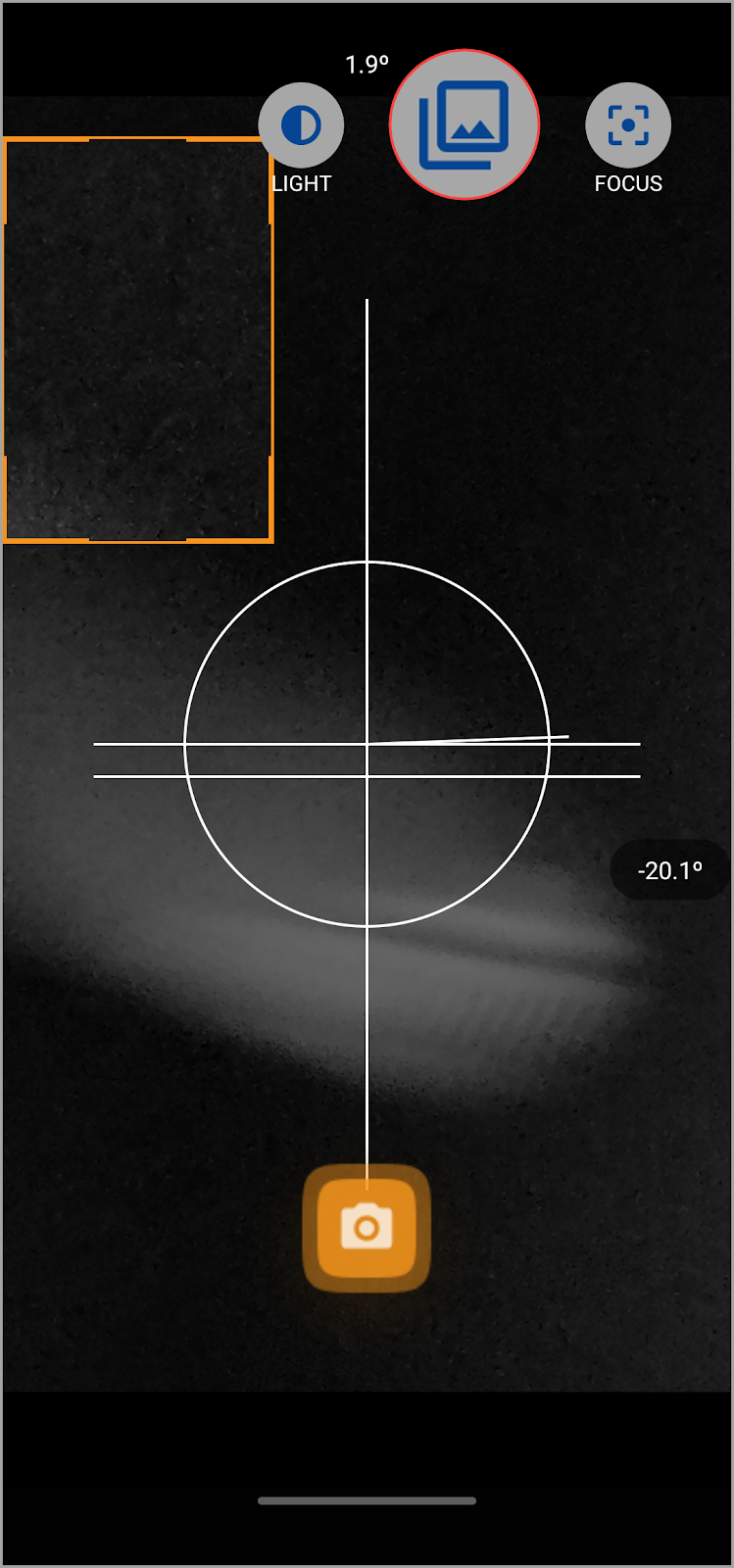
- Lorsque l’appareil photo s’ouvre, appuyez sur l’icône MULTI située dans le coin supérieur droit de l’écran.
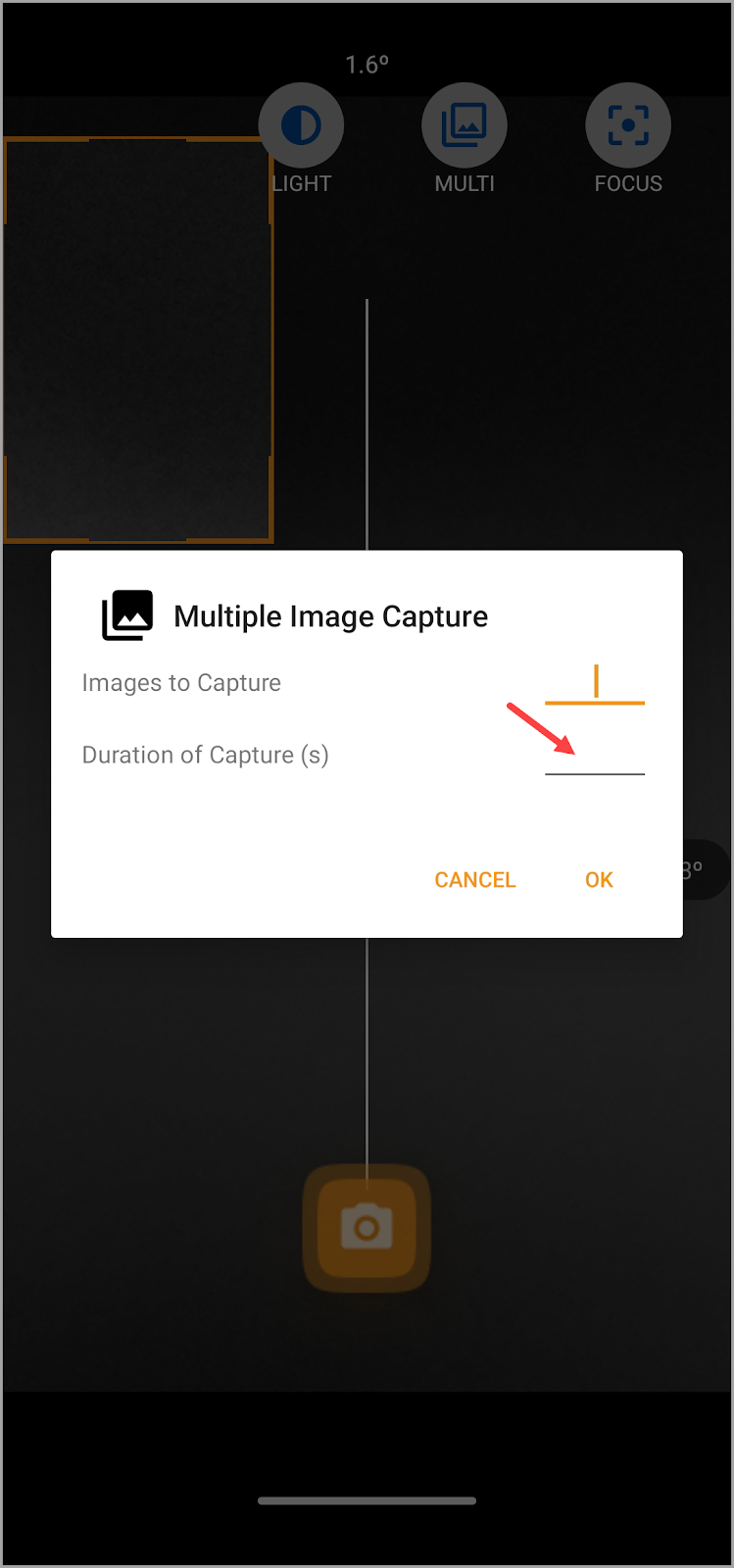
- En conséquence, la fenêtre contextuelle Capture d’images multiples s’ouvre. Ici, utilisez le champ Images à capturer pour définir le nombre d’images que vous souhaitez capturer.
- Entrez la durée des captures à l’aide du champ Durée des captures.
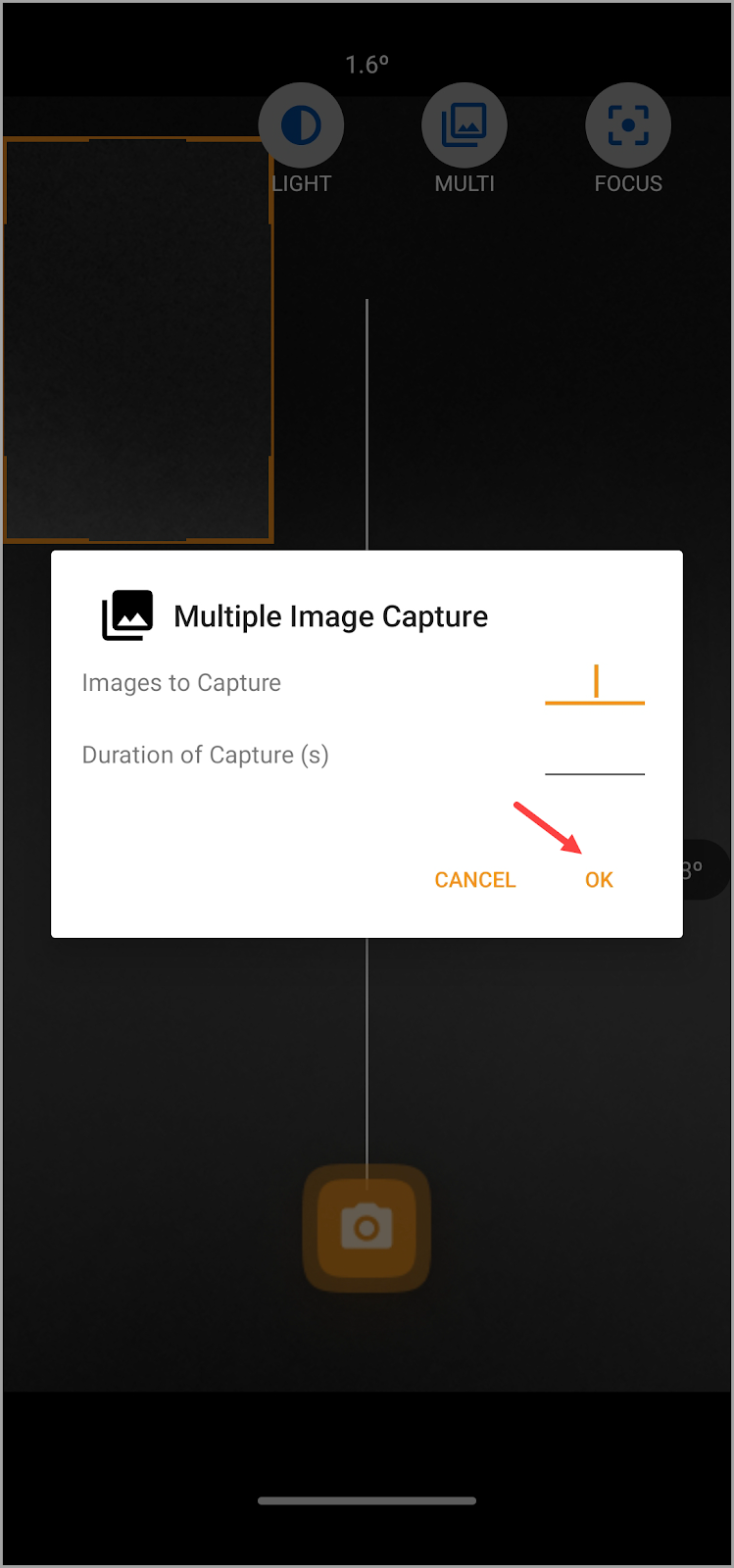
- Une fois les informations requises remplies, appuyez sur le bouton OK.
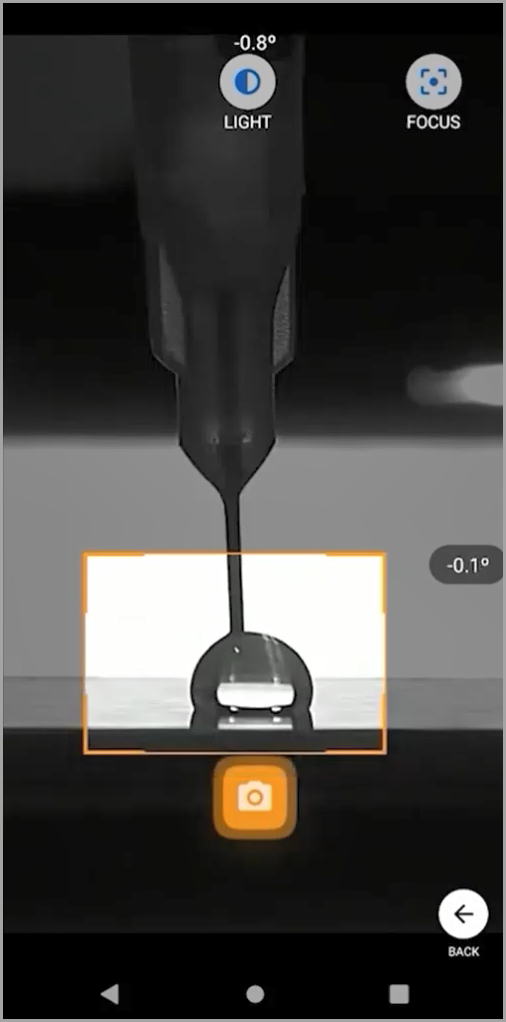
- Once this is done, tap the Capture button and start creating the droplet.
- Once captured, go to one of the images in order to perform the entire calculation process including image calibration. In case you are using the Young Laplace method, tap the Calculate All button from the project screen so that all images captured within the specified duration can be processed.

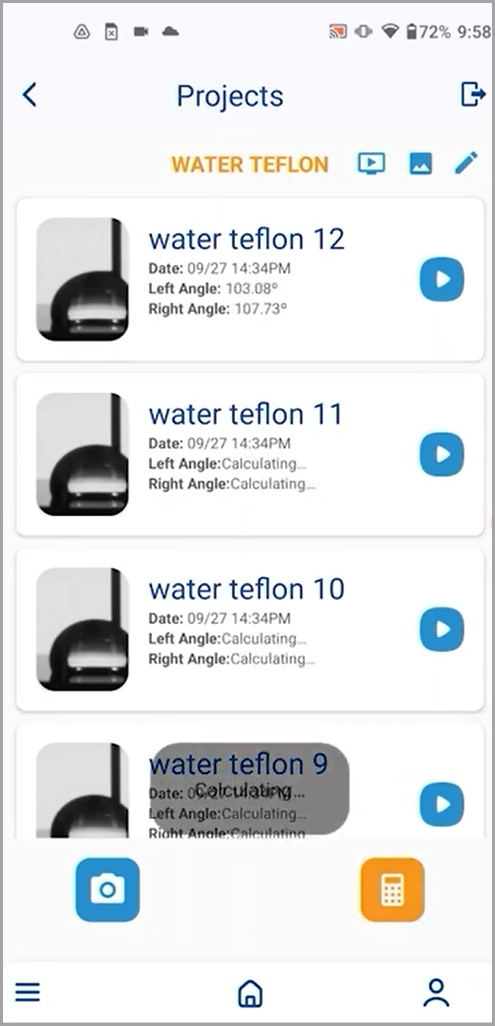
7. After you have completed calculation on a series of images, the rest of the images can be automatically calculated from the project screen.